Roblox Creator Tools / Building System
GridCraft for
Roblox creators.
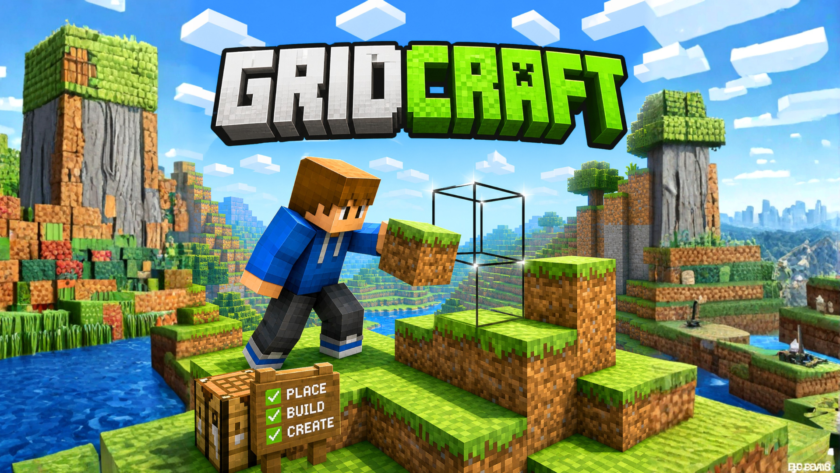
Add voxel-style block building to your Roblox experience. GridCraft lets players
place and remove grid-based blocks using a simple preview outline, with support for
PC, mobile, and gamepad controls.
View on Creator Store →
Read Details
What is GridCraft?
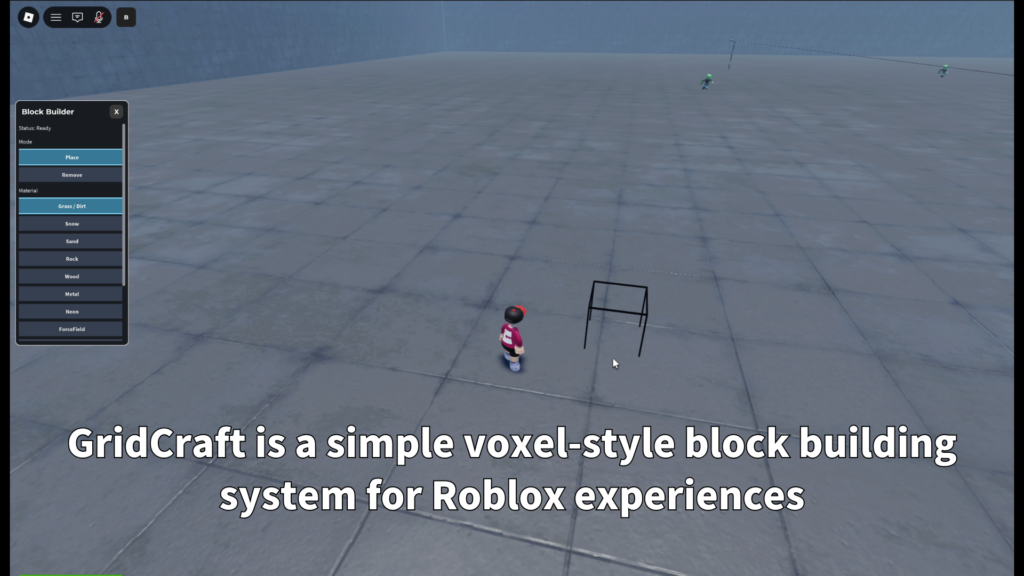
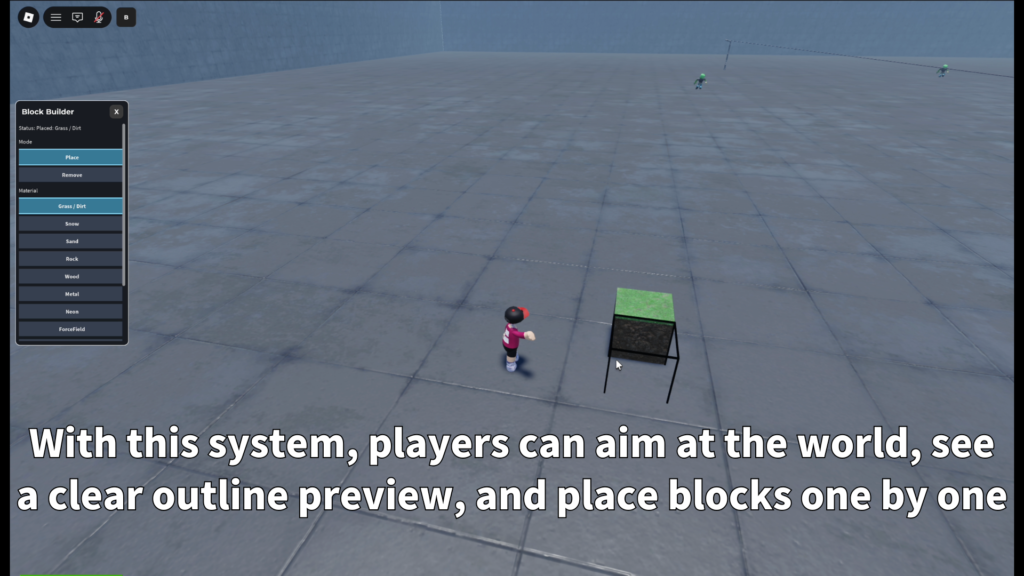
GridCraft is a voxel-style block building system for Roblox. Players can aim at the world,
preview the target block position, and place or remove blocks inside your experience.
It is designed for creators who want to add a building feature without creating the full
grid placement, preview, material, and control system from zero.
Main Features
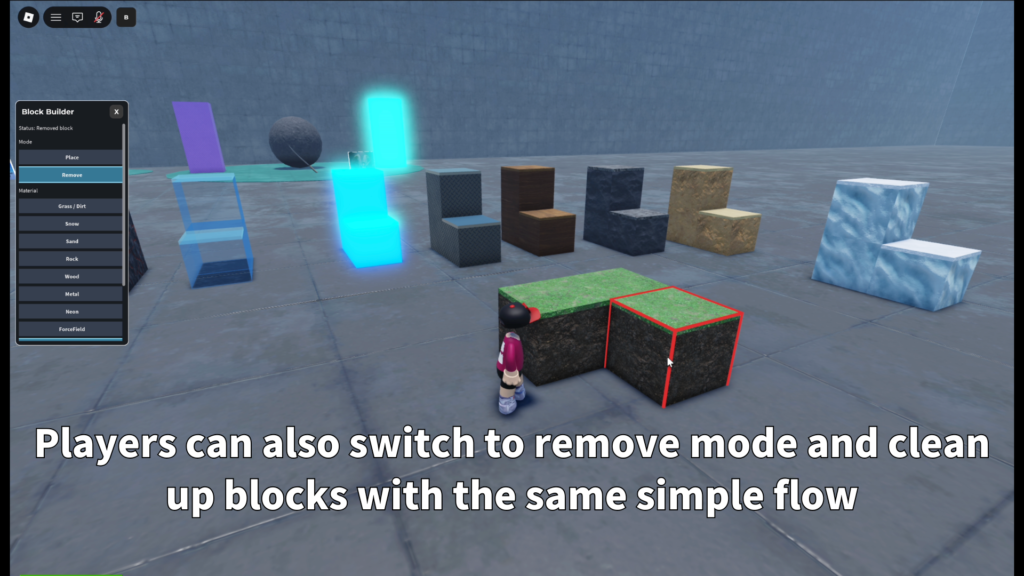
Players can build with grid-based blocks and use a simple outline preview
to understand where the next block will go.
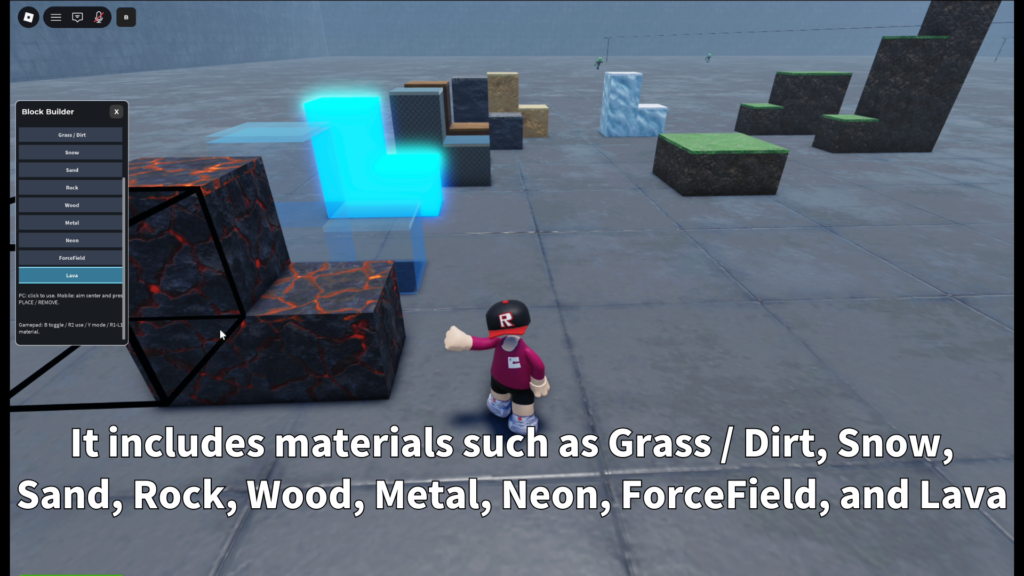
Includes material presets such as Grass / Dirt, Snow, Sand, Rock, Wood,
Metal, Neon, ForceField, and Lava.
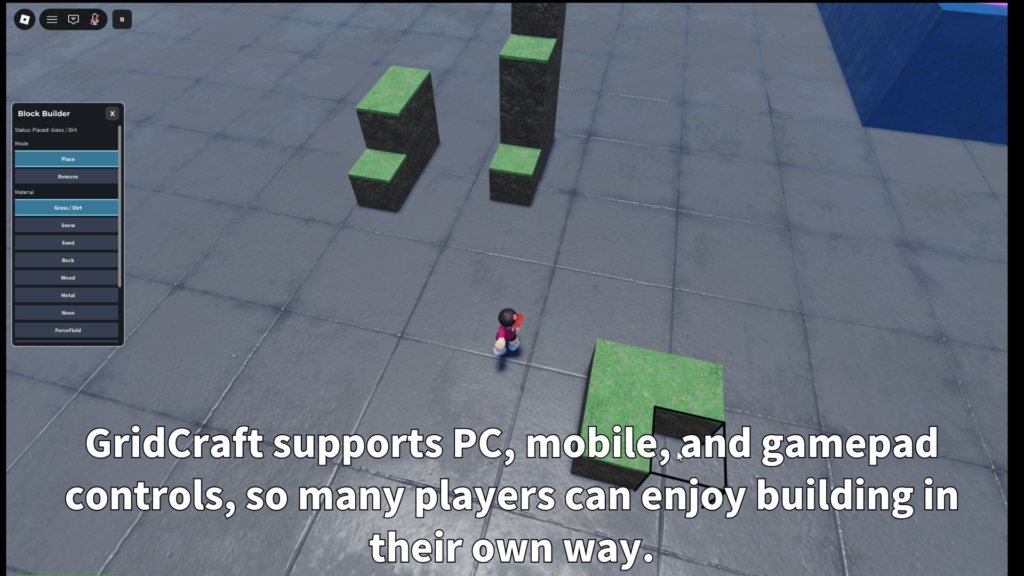
The system is designed to work across different input styles, including
keyboard and mouse, mobile touch controls, and gamepad.
- Voxel-style block building
- Grid-based placement
- Preview outline before building
- Place and remove modes
- Material selection
- PC / mobile / gamepad support
- Block limit settings
- Placement distance settings
Controls
PC
Open or close GridCraft with the on-screen B button. Use left click to place
or remove the selected block target. Mode buttons switch between Place and Remove,
and material buttons select the block style.
Mobile
Mobile players can open GridCraft with the B button, aim with the center dot,
use PLACE / REMOVE for building actions, switch modes, and choose materials
from a material panel.
Gamepad
Gamepad players can use B to enable or disable GridCraft, R2 to place or remove,
Y to switch modes, and RB / LB to cycle through materials. The center of the screen
is used as the aim point.
Customizable Settings
GridCraft includes settings that help creators adjust how the building system behaves.
You can tune the block size, placement distance, build limits, cooldown, height range,
sound, animation, and block cleanup behavior.
- GridSize
- MaxBlocksPerPlayer
- MaxPlaceDistance
- PlaceCooldown
- MinGridY / MaxGridY
- BlocksOnPlayerLeave
- CanRemoveOtherPlayersBlocks
- Place / remove sounds
Materials and Terrain Feel
GridCraft includes several material presets so creators can give players different
building styles from the start. Placed blocks keep the material selected at the time
they were placed.
- Grass / Dirt
- Snow
- Sand
- Rock
- Wood
- Metal
- Neon
- ForceField
- Lava
Grass / Dirt blocks are designed to feel more natural. Only the highest visible
Grass / Dirt block shows grass on top, helping stacked terrain look cleaner.
Best Use Cases
GridCraft is a good fit for Roblox experiences where players build, edit,
experiment, or shape part of the world.
- Sandbox building games
- Voxel-style worlds
- Creative lobbies
- Survival or crafting maps
- Team building areas
- Practice building zones
- Mini-game arenas
- Player-created structure systems
Add block building to your Roblox experience.
GridCraft is available on the Roblox Creator Store. Use it to give players
a simple and flexible way to place blocks, remove blocks, choose materials,
and build inside your world.