Roblox Creator Tools / Cutting Sword System
ZantetsuBlade for
Roblox creators.
Add a gameplay cutting sword to your Roblox experience. ZantetsuBlade is a sword Tool
that lets players slash and cut supported targets, with cut modes, Cuttable tag setup,
and an optional restore version for objects that should return after a short delay.
What is ZantetsuBlade?
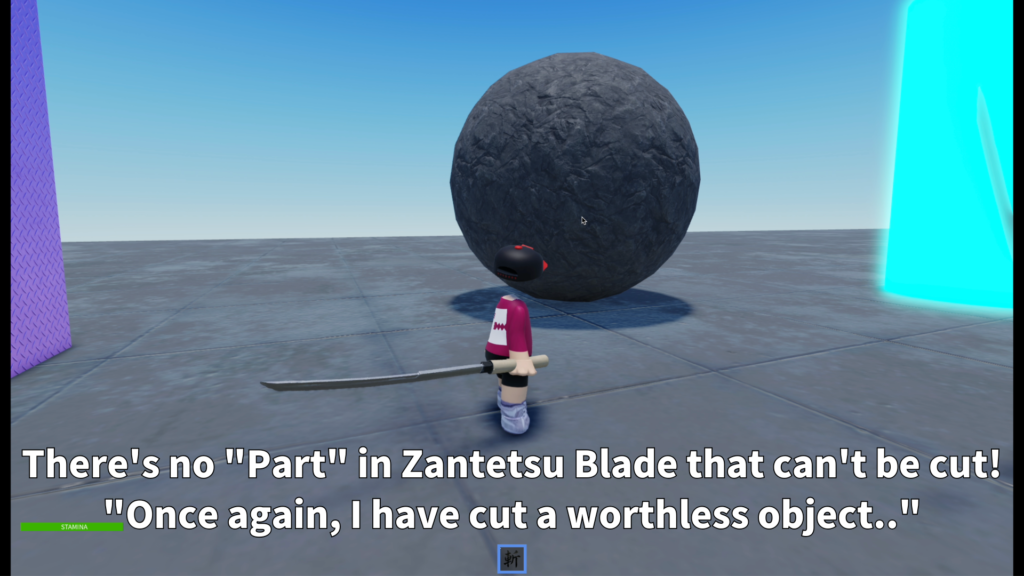
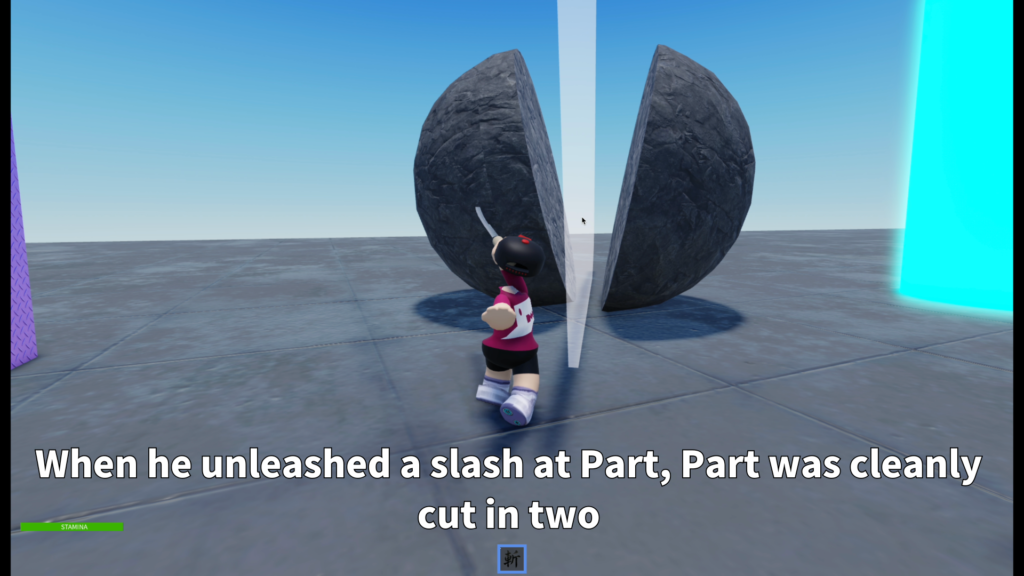
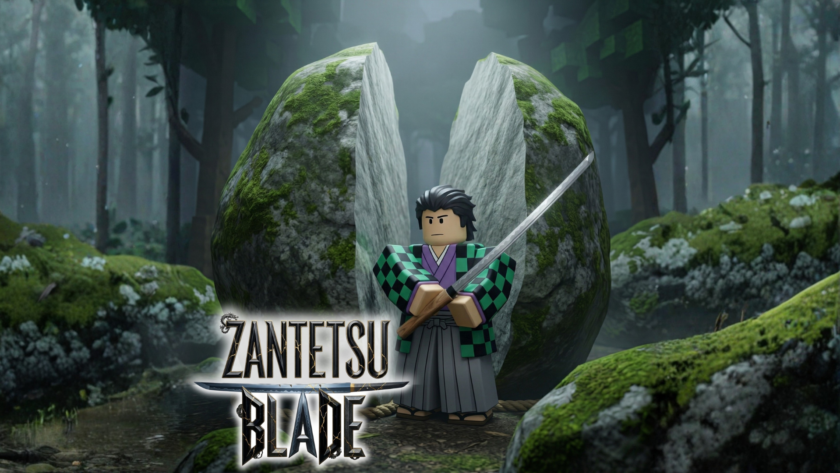
ZantetsuBlade is a Roblox sword Tool designed for gameplay cutting.
Players can slash supported objects and cut prepared targets inside your experience.
This asset works best when cutting is treated as a designed gameplay feature.
Instead of expecting every object in the map to be sliced automatically, creators can prepare
special cuttable Parts for stable and reliable gameplay.
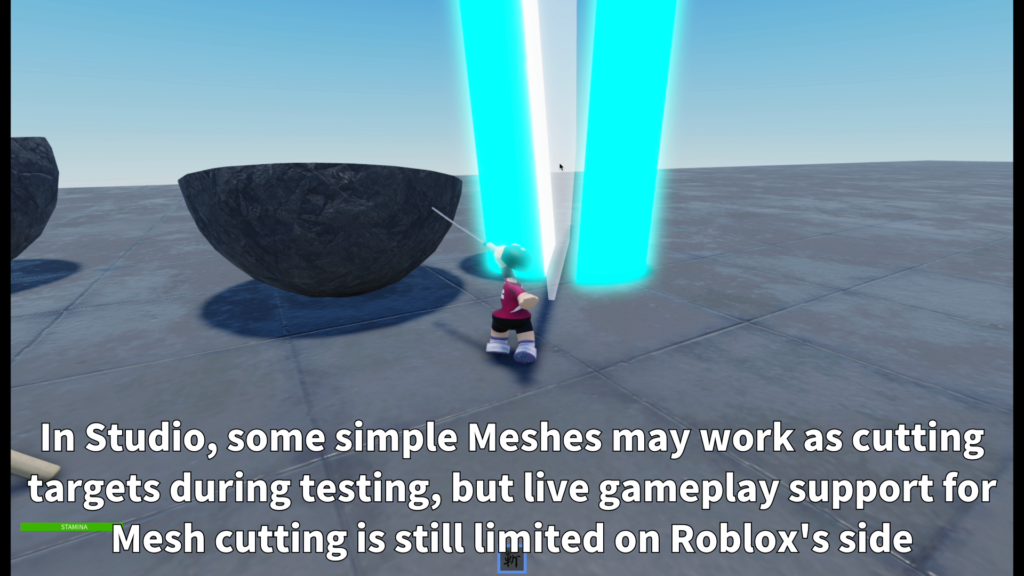
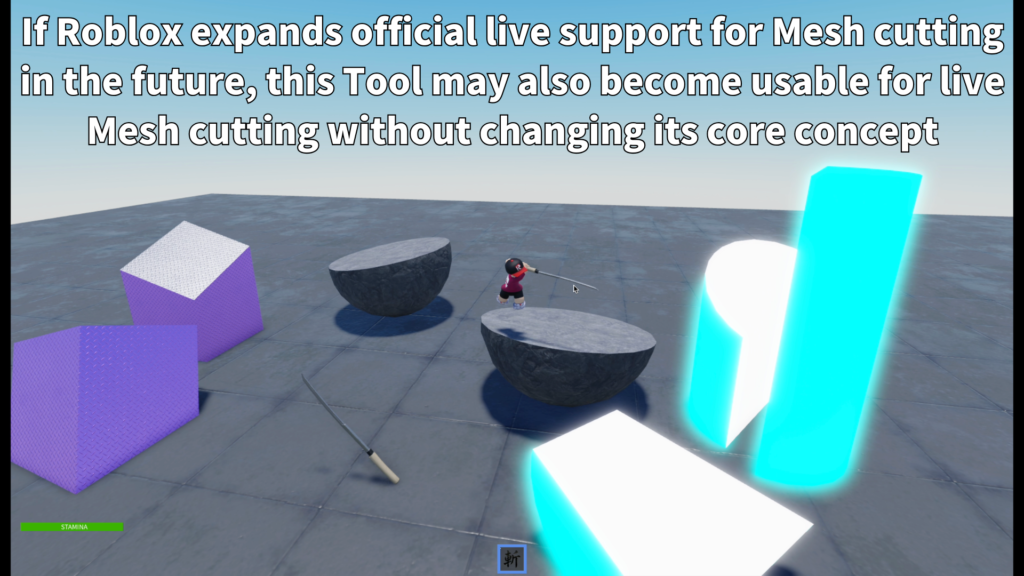
In published games, this asset should currently be used mainly as a Part cutting system.
Some simple MeshParts may be useful for Studio-side testing, but live gameplay Mesh cutting
is still limited on Roblox’s side.
Main Features
Prepare objects with the Cuttable tag and let players slice them during gameplay.
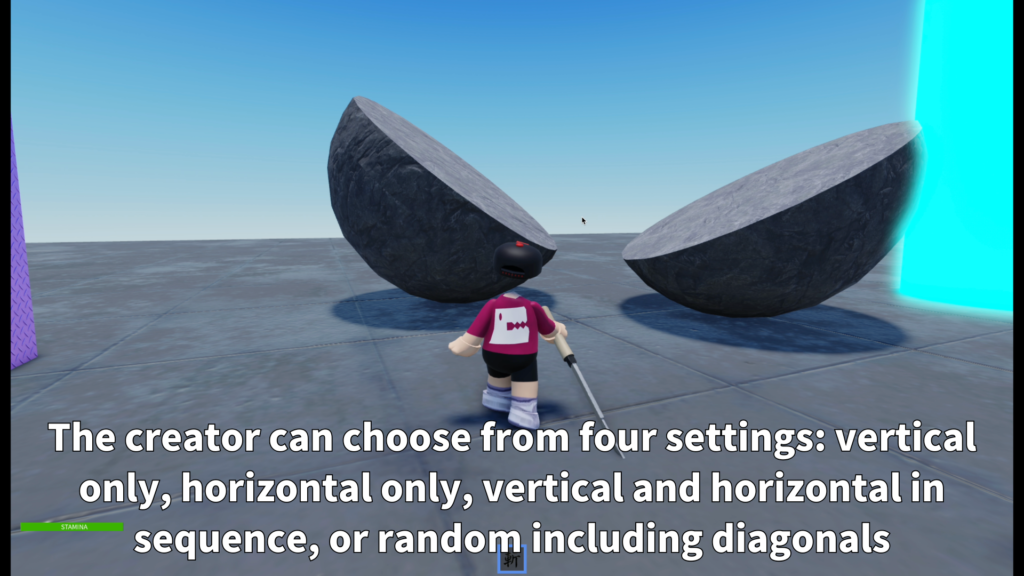
Select from vertical, horizontal, alternating, or random cut modes depending on the game feel you want.
Use the restore version when cut Parts should return automatically after a short delay.
- Sword Tool for Roblox gameplay
- Supports Part targets in live gameplay
- Cuttable tag based setup
- Standard version for normal cutting
- Restore version for auto-return objects
- Simple CutMode setting
- Limited MeshPart testing in Studio
- Best for prepared destructible objects
Cut Modes
ZantetsuBlade lets creators choose the cutting style from a simple CutMode setting.
This makes it easier to match the sword behavior to the type of game or map.
- VerticalOnly
Always uses a vertical cut. - HorizontalOnly
Always uses a horizontal cut. - AlternateVH
Alternates between vertical and horizontal cuts. - Random3
Randomly uses vertical, horizontal, or 45-degree cuts.
Target Setup
To make an object cuttable, creators need to mark it with the Cuttable tag.
If the object does not have this tag, the sword will not treat it as a valid cutting target.
- Best setup
A single Part with the Cuttable tag. - Studio testing
A simple single MeshPart with the Cuttable tag. - Limited option
A simple Model with the Cuttable tag, when prepared for this system. - Recommended approach
Prepare special objects specifically for cutting.
Restore Version
This package includes a restore version for maps where cut Parts should return automatically
after a short delay.
To use the restore behavior, add the ZB_Resettable tag to the cuttable object.
You can also add a Number Attribute named ZB_ResetDelay to control how many seconds it takes
before the object returns.
- Cuttable
Required tag for valid cutting targets. - ZB_Resettable
Used by the restore version to make objects return. - ZB_ResetDelay
Optional Number Attribute for return delay. - Example
ZB_ResetDelay = 10 means the object returns after 10 seconds.
Best Use Cases
ZantetsuBlade is a good fit for Roblox experiences where cutting is part of the designed gameplay.
It is especially useful when creators prepare specific destructible objects for players to slash.
- Sword action games
- Training areas
- Destructible obstacle rooms
- Boss arena objects
- Slash-based challenge maps
- Anime-style combat experiences
- Interactive showcase maps
- Objects that restore after being cut
Setup Overview
The normal recommended setup is to insert ZantetsuBlade into StarterPack.
Creators should then prepare cuttable objects by adding the Cuttable tag to supported targets.
For the most stable published-game results, start with simple Part targets.
Mesh cutting should be treated as limited Studio-side testing, not as a guarantee that every Mesh
will work in live gameplay.
Add slashable objects to your Roblox game.
ZantetsuBlade is available on the Roblox Creator Store.
Use it to create sword-based cutting gameplay with prepared Part targets, selectable cut modes,
and optional restore behavior.