Roblox Creator Tools / Footprint Tracking Tool
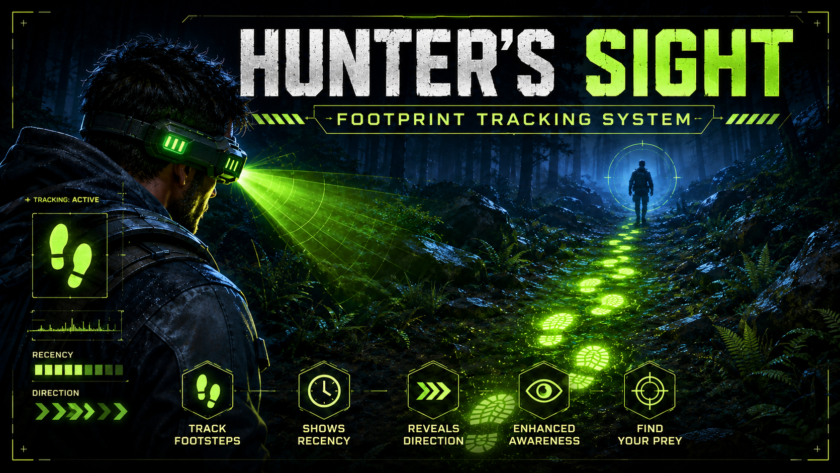
HunterSight Footprint Tracking Tool.
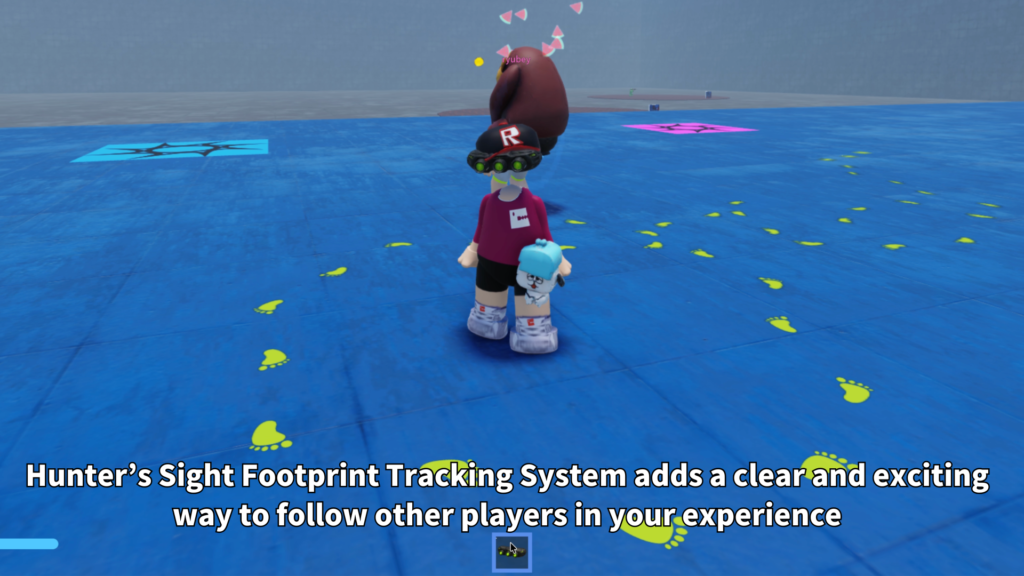
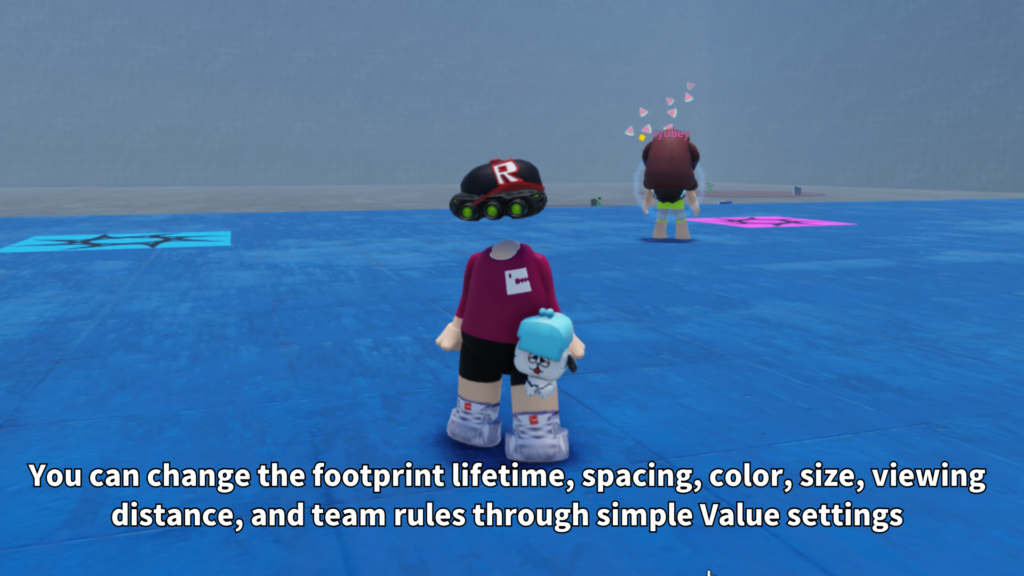
Add a footprint tracking tool to your Roblox experience. HunterSight lets the equipped player see fresh footprint trails from selected targets, with fading markers, distance limits, left and right foot placement, custom footprint images, team-based target rules, and easy settings inside the Tool.
What is HunterSight?
HunterSight is a Roblox Tool that adds visible footprint tracking to your game. When the player equips the Tool, fresh footprints can appear on valid ground surfaces, helping the player follow movement paths through the map.
It is designed for hunting games, monster chase games, detective missions, stealth maps, survival experiences, PvP tracking, and adventure games where finding another player’s route can become part of the gameplay.
Main Features
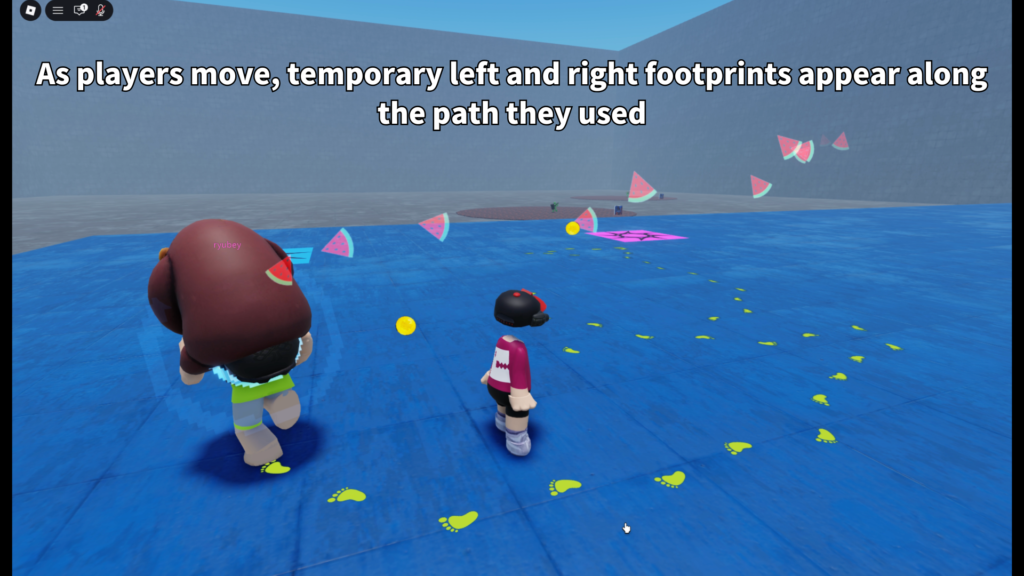
Footprints are created from player movement and appear along the path while the Tool is equipped.
Choose whether to show enemy players, teammates, neutral players, or the user’s own footprints.
Change footprint color, size, transparency, angle, left and right images, and fallback shape behavior.
- Footprint tracking Tool for Roblox
- Only active while the Tool is equipped
- Fading footprint trail display
- Maximum tracking distance setting
- Maximum visible footprint setting
- Left and right foot placement
- Custom footprint image support
- Built-in fallback footprint shape
- Enemy, teammate, own, and neutral target options
- Ground and slope checking for cleaner placement
Footprints That Appear While Equipped
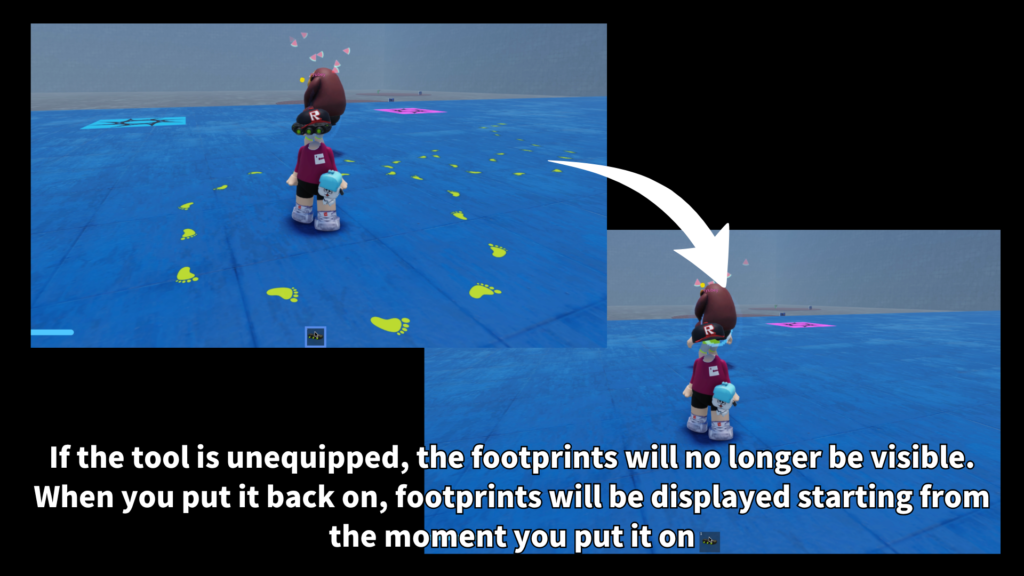
HunterSight is built around a simple player experience: equip the Tool, look around the map, and follow visible footprints. The trail is not shown all the time. It is tied to the Tool, which makes it easier to use as a special item, hunter ability, detective gadget, or tracking equipment.
When the Tool is unequipped, the visible footprint display is cleared. This keeps the effect focused and prevents the map from staying filled with old trail markers after the player stops using the item.
Target Rule Settings
Creators can decide whose footprints should be visible. This makes the Tool flexible for different game types, from enemy tracking to team-based gameplay.
- ShowEnemyPlayers
Show footprints from players treated as enemies. - ShowOwnFootprints
Optionally show the user’s own footprint trail. - ShowTeammates
Optionally show teammate footprints. - TreatNeutralAsEnemy
Choose whether neutral players are treated as trackable targets.
These options make HunterSight useful for PvP maps, team missions, hunter-versus-runner games, and hidden-player experiences.
Footprint Appearance
The footprint look can be adjusted through Tool settings. Creators can use a custom left footprint image and a custom right footprint image, or use the built-in fallback footprint shape when no image is set.
- FootprintColor
Change the color of the visible footprint trail. - FootprintImageTransparency
Control how transparent the footprint appears. - FootprintSizeX / FootprintSizeZ
Adjust footprint width and length. - LeftFootprintImage
Add a custom image for the left footprint. - RightFootprintImage
Add a custom image for the right footprint. - UseFallbackShapeWhenImageMissing
Show a built-in footprint shape when no image is set.
Fading Trail Behavior
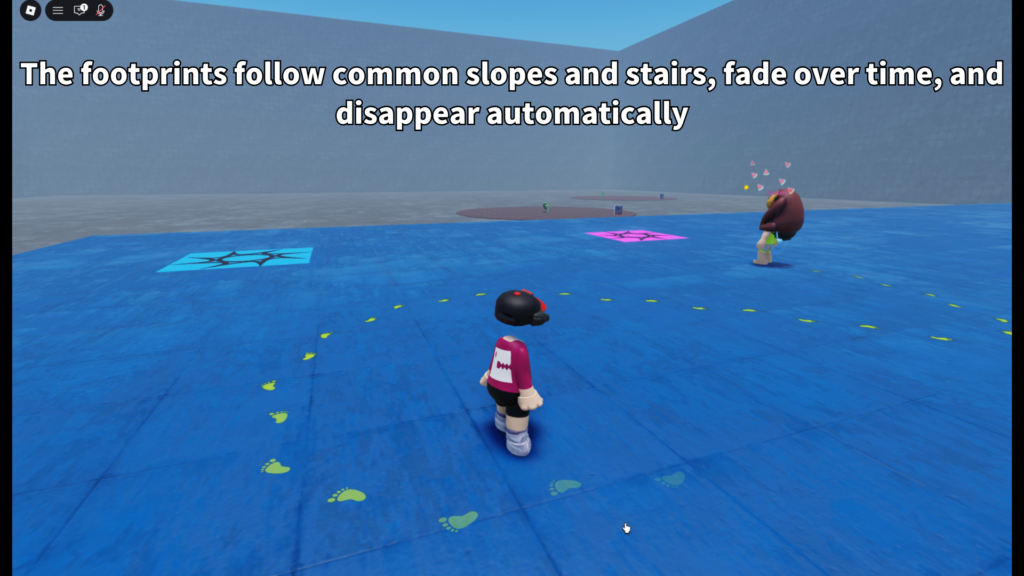
Footprints can stay visible for a limited time and fade out near the end of their lifetime. This helps the trail feel fresh and readable without leaving old marks forever.
- FootprintLifetime
Controls how long footprints remain visible. - FadeDuration
Controls how long the fade-out effect takes. - FootprintSpacing
Controls the distance between each footprint. - MaxVisibleFootprints
Limits how many footprint markers can be visible.
Ground Placement and Slope Checks
HunterSight uses ground checks to place footprints on valid surfaces. The system checks the surface below the moving character, avoids invalid character parts, and can reject surfaces that are too steep.
This helps footprints appear on floors, paths, terrain-like surfaces, and other grounded areas instead of floating in the air or appearing in strange places during jumps, sitting, or teleport-like movement.
- MaxSlopeAngle
Controls the steepest surface that can receive footprints. - MinimumMoveSpeed
Prevents footprints from appearing while the target is barely moving. - MaximumTeleportDistance
Prevents long sudden movement from creating an unrealistic trail. - AllowMovingSurfaces
Choose whether footprints may appear on non-anchored surfaces.
Distance and Visibility Control
The maximum tracking distance setting helps control how far the Tool can show footprints. This keeps the effect closer to the player and helps avoid showing too much information across the entire map.
The maximum visible footprint setting also helps keep the display readable. Older or distant records can be hidden while newer nearby footprints remain visible.
Built-in Footprint Shape
HunterSight can use custom images, but it also includes a built-in fallback footprint shape. This makes the Tool easier to test right away even before custom image assets are prepared.
The fallback shape uses simple rounded UI parts to form a footprint, including the heel, arch, ball, and toe shapes. Creators can replace this with their own left and right footprint images later.
Tool-Based Setup
HunterSight is designed as a Tool-based system. The settings folder and remotes live inside the Tool, keeping the package easy to move, test, and organize.
- Tool
Place HunterSight as a Tool for players to equip. - HunterSightSettings
Edit the Value objects to customize behavior and appearance. - Remotes
Used by the system to send footprint display data to the equipped player. - Server and client scripts
Server handles footprint creation rules, while the client handles local display.
Customizable Settings
The settings are grouped into simple folders so creators can adjust the Tool without searching through the whole script.
- 01_Basic
Enable state, fade duration, footprint lifetime, spacing, tracking distance, and max visible footprints. - 02_Appearance
Footprint color, transparency, rotation, size, custom images, light influence, and fallback shape behavior. - 03_Targets
Enemy, own, teammate, and neutral player visibility rules. - 99_Advanced
Moving surface support, slope limit, teleport distance, and minimum movement speed.
Best Use Cases
HunterSight is a good fit for Roblox games where tracking, searching, and following movement trails can become part of the game loop.
- Hunter versus runner games
- Monster chase games
- Detective missions
- Survival maps
- Stealth games
- Escape games
- PvP tracking tools
- Team-based pursuit games
- Mystery roleplay games
- Adventure maps with hidden routes
Why Creators May Like It
HunterSight adds a clear visual tracking mechanic without turning the whole map into a permanent trail display. Because the effect is Tool-based, it can be used as a special item, class ability, reward equipment, or temporary gameplay power.
The visual style is also flexible. Creators can keep the built-in footprint shape, change the color and size, or use their own footprint images to match the tone of a horror, fantasy, sci-fi, survival, or detective game.
Add footprint tracking to your Roblox game.
HunterSight is available on the Roblox Creator Store. Use it to add fading footprint trails, target rules, custom footprint images, range limits, slope checks, and Tool-based tracking gameplay to your Roblox experience.
Open HunterSight on Creator Store →