Roblox Creator Tools / Movement Ride System
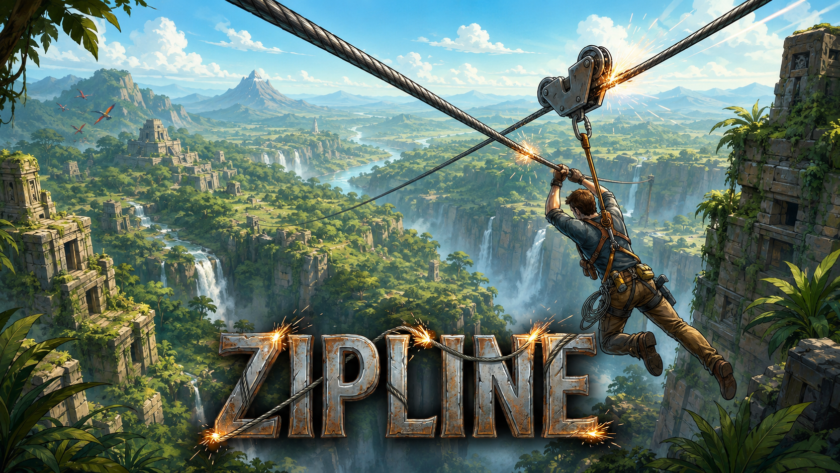
Zipline System for
Roblox creators.
Add a prompt-based zipline ride to your Roblox experience. Zipline System lets players
start from one point, ride along a line, and land at the other side with a clean movement flow.
This package also includes a bonus ride animation, making the zipline feel more natural
while the player is traveling.
View on Creator Store →
Read Details
What is Zipline System?
Zipline System is a Roblox movement asset that lets creators add rideable ziplines
to their games. Players can use a prompt at the start point, ride across the zipline,
and arrive at the finish point.
It is designed as a practical gameplay feature for maps where players need a fun way
to move between two locations. Instead of only walking or using a normal teleport,
players get a visible ride experience with an included ride animation for better presentation.
Main Features
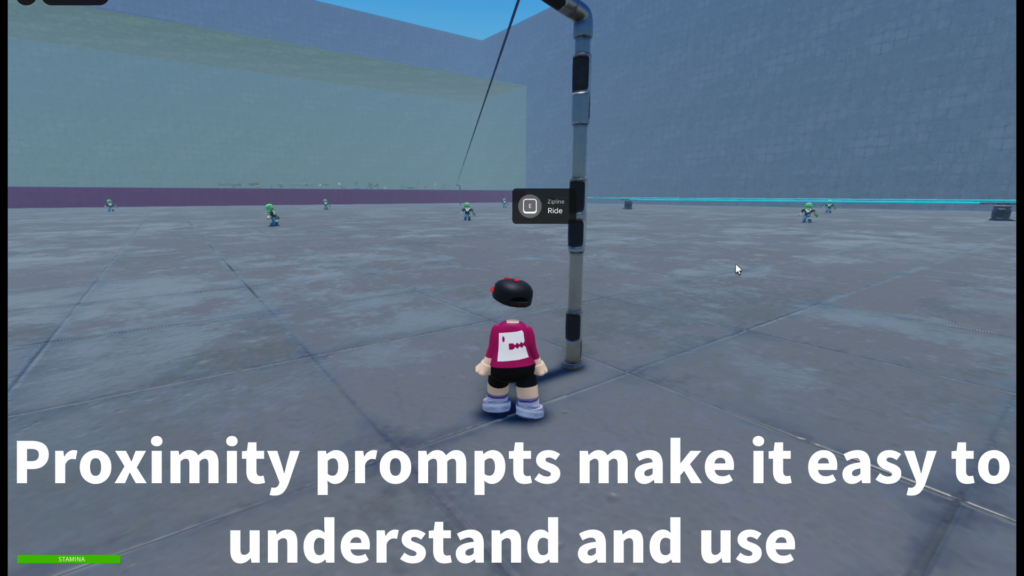
Players start the zipline with a ProximityPrompt, making the interaction easy to understand.
The system moves the player from the start side to the finish side along the zipline path.
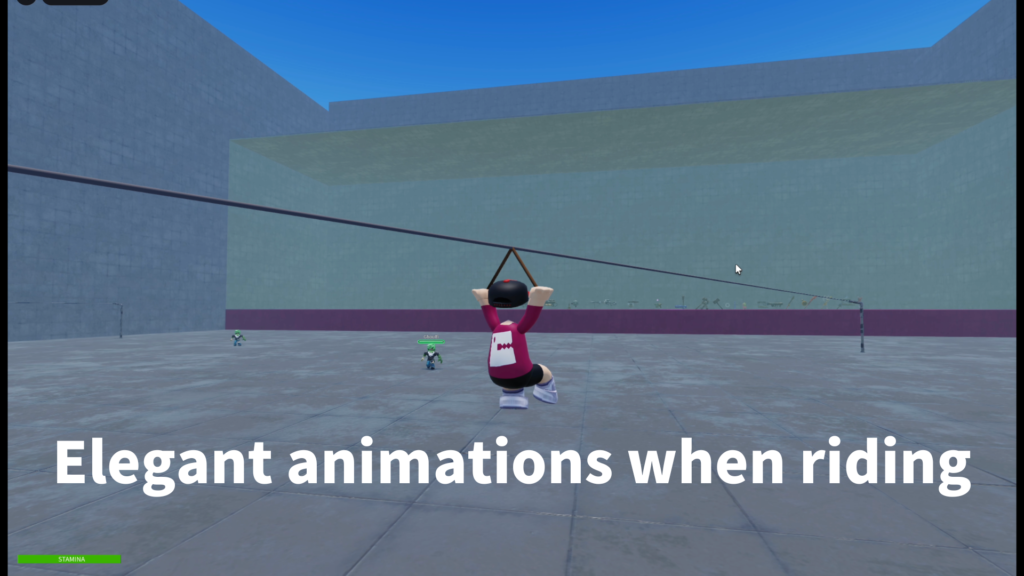
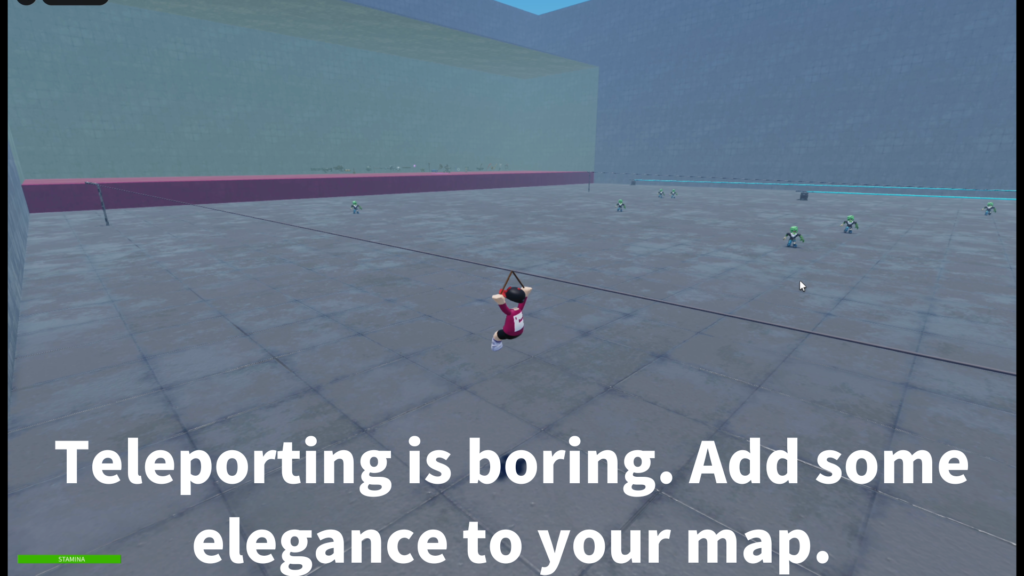
A ride animation is included as a bonus so the player looks more natural while using the zipline.
- Prompt-based zipline interaction
- Start and finish point setup
- R15 character support
- Included ride animation bonus
- Local ride animation support
- Jump-to-exit behavior
- Stable landing support
- Optional two-way zipline use
- Customizable ride speed
- Customizable sound settings
Ride Animation Bonus
This package includes a bonus animation for the moment when the player is riding the zipline.
Without a ride pose, a character can look stiff or awkward while being moved across the line.
The included animation helps make the ride feel more complete.
This is especially useful for adventure maps, obstacle courses, and lobby attractions where
the zipline is not just a movement shortcut, but also part of the visual experience.
The ride animation is intended as a useful included bonus. Creators can replace it
with their own animation if they want a different pose or style for their game.
How It Works
Each zipline is set up as a line inside your map. The player interacts with a prompt
at the start point, then the system handles the ride movement toward the finish side.
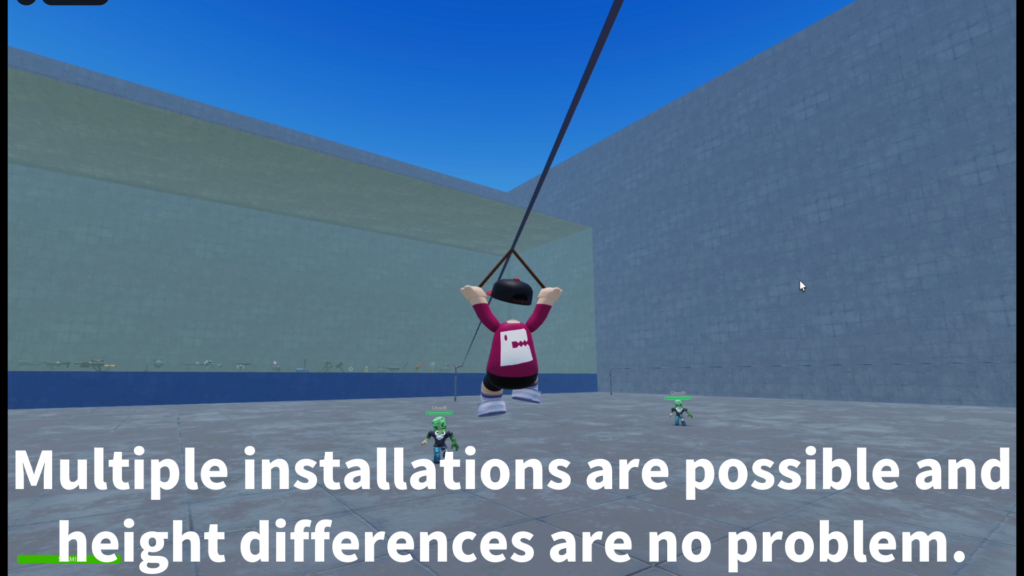
The setup is designed so creators can duplicate zipline folders and place multiple lines
around the map. This makes it easier to create adventure routes, shortcuts,
or vertical movement areas without rebuilding the system from zero each time.
Recommended Setup
The basic setup uses a Workspace folder for zipline lines, a server script,
and a local script for player-side control and ride animation.
- Workspace
Place zipline line folders inside Workspace > Ziplines. - ServerScriptService
Place the server script that manages zipline ride logic. - StarterPlayerScripts
Place the local script for player-side ride behavior. - Line folders
Duplicate the sample Line folder to create more ziplines.
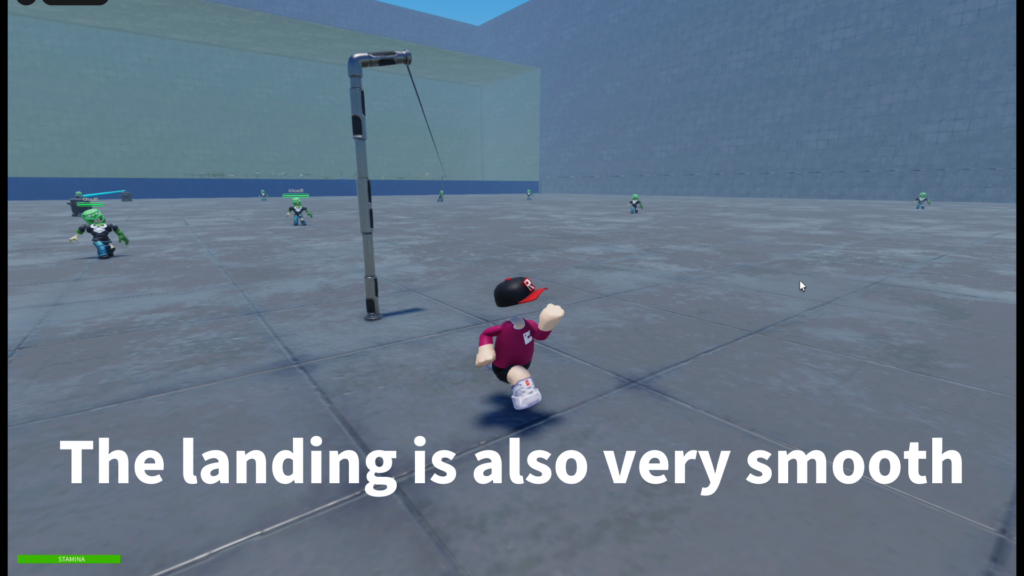
Prepare a clear landing area at the end of the zipline so players can exit safely
and continue moving naturally after the ride.
Start, Finish, and Pole Structure
The system is designed around clear start and finish points.
Prompts can stay on the StartModel and FinishModel, while the line and attachment setup
can use a Pole-based structure for cleaner organization.
- StartModel
Used for the starting side of the zipline. - FinishModel
Used for the ending side of the zipline. - Pole
Used as a clean reference area for rope and attachment setup. - Multiple lines
Duplicate the line setup to create more routes.
Customizable Settings
Creators can adjust the ride feel and presentation to match the game.
The most useful settings include ride speed, sound IDs, two-way usage,
and animation ID.
- Ride speed
Controls how fast players move along the zipline. - Animation ID
Used for the ride animation while the player is traveling. - Start sound
Optional sound when the ride begins. - Loop or ride sound
Optional sound during the zipline movement. - Finish sound
Optional sound when the ride ends. - Two-way option
Controls whether players can use the zipline from both sides.
Player Experience
For players, the experience is simple: walk up to the zipline, use the prompt,
ride across with the included ride animation, and land at the other side.
The jump-to-exit behavior can also make the ride feel more controllable.
This is useful when players need to leave the ride early or when the zipline is used
as part of a more active adventure stage.
Best Use Cases
Zipline System is a good fit for Roblox maps that need a fun movement feature,
a map shortcut, or an interactive travel method.
- Adventure maps
- Obstacle courses
- Forest areas
- Mountain stages
- Jungle maps
- Lobby attractions
- Mini-game entrances
- Fast travel points
Recommended Use
This system works best when the zipline is placed as a designed part of the map.
Give players enough room at the start and finish, keep the landing area clear,
and test each ride path after moving or duplicating a zipline.
The included ride animation is intended for a better visual experience while riding.
If your game uses a different character style or custom animation direction,
you can replace the animation with your own.
Add rideable ziplines to your Roblox game.
Zipline System is available on the Roblox Creator Store.
Use it to create prompt-based zipline rides for adventure routes, shortcuts,
obstacle areas, and interactive map travel. A bonus ride animation is also included
to make the riding moment look more natural.