Roblox Creator Tools / Time Ability Tool
Time Rewind Tool for
Roblox creators.
Add a time rewind ability to your Roblox experience. Time Rewind Tool records a short moment,
then lets the player rewind valid targets to an earlier position and state.
With REC UI, ring display, sound support, and visual effects, it helps make time manipulation
feel clear and dramatic in-game.
View on Creator Store →
Read Details
What is Time Rewind Tool?
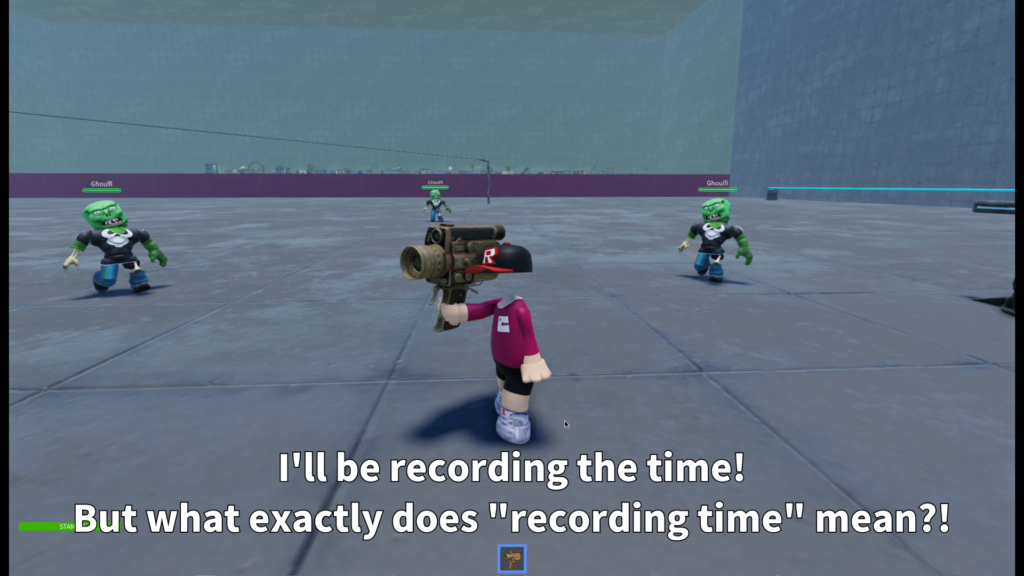
Time Rewind Tool is a Roblox tool that creates a short time-recording session.
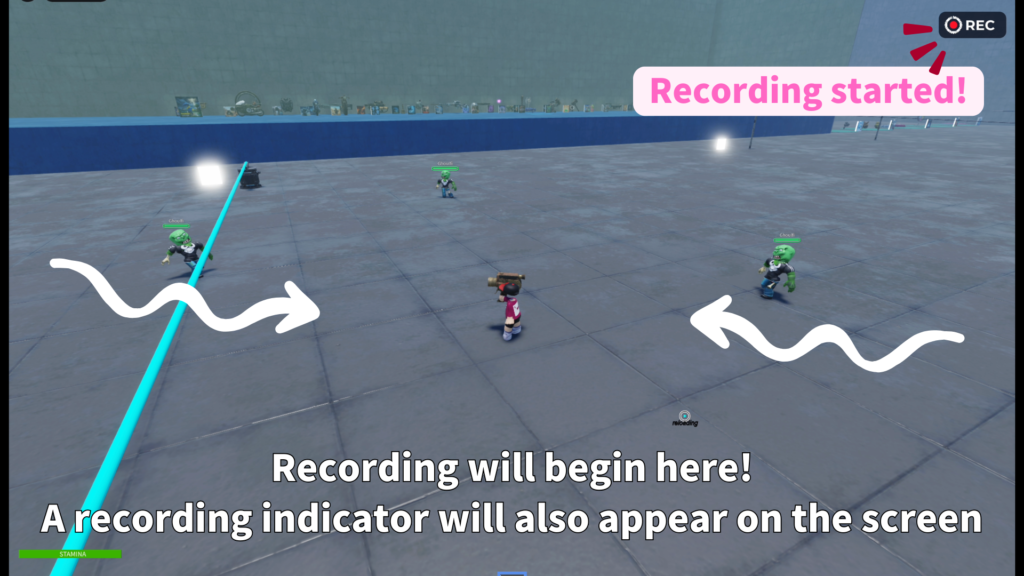
When the player uses the tool, it begins recording nearby valid targets.
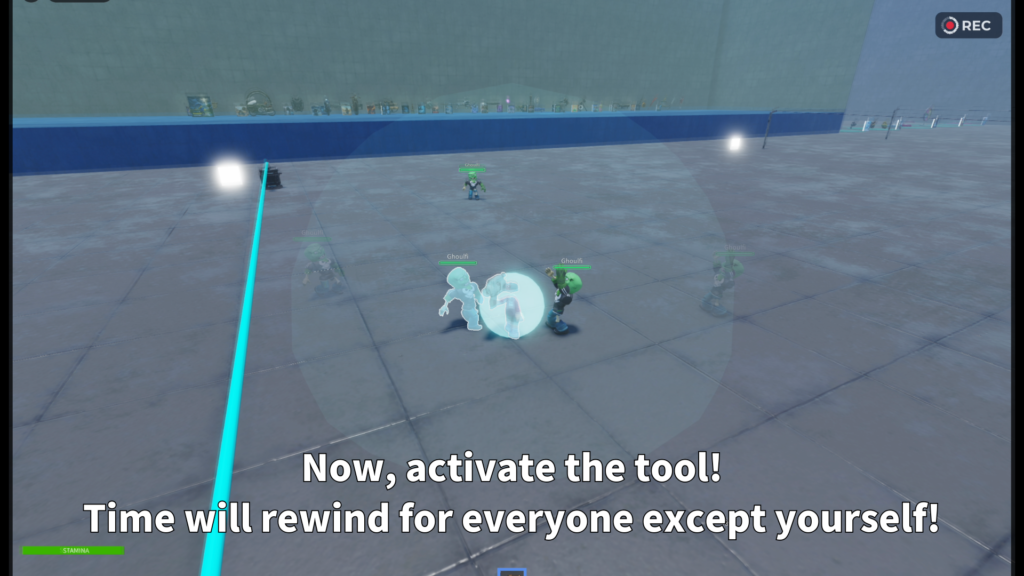
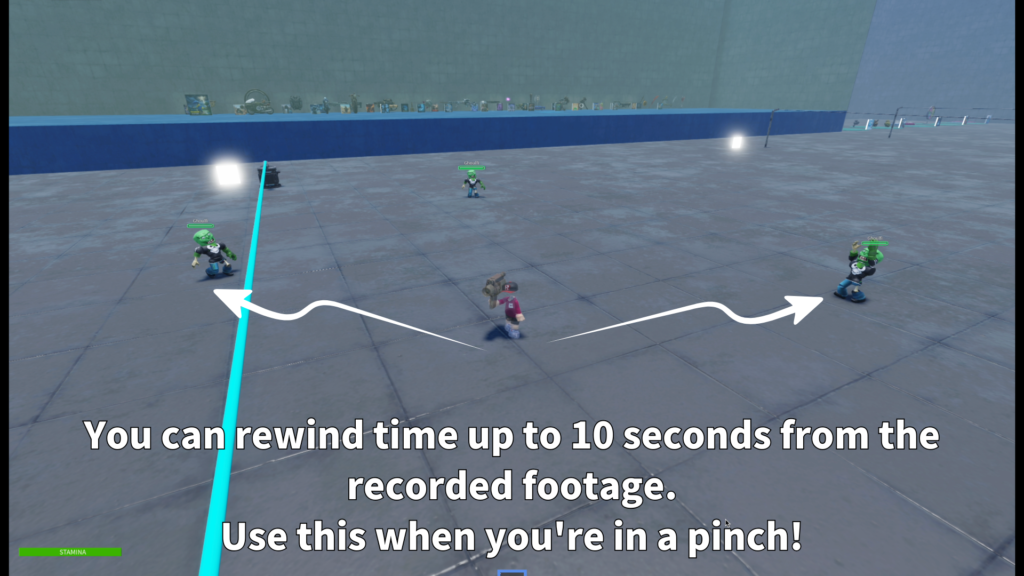
When used again during the recording window, the system rewinds those targets
to a recent recorded position and state.
This is useful when you want to add a special ability that feels like time manipulation,
rather than a simple teleport or instant movement effect.
Main Features
The first use starts a short recording window. The second use rewinds valid targets
to an earlier moment.
Players can see a REC-style display and ring UI that helps show the recording time
and rewind window.
Creators can adjust the rewind range, cooldown behavior, radius mode,
sound, and other important values from the tool’s Config folder.
- Short time recording session
- Rewinds valid targets to a previous state
- Position and health state support
- REC display and ring UI
- Cooldown popup support
- Local recording loop sound
- Shockwave and highlight effects
- Config folder based settings
How the Ability Works
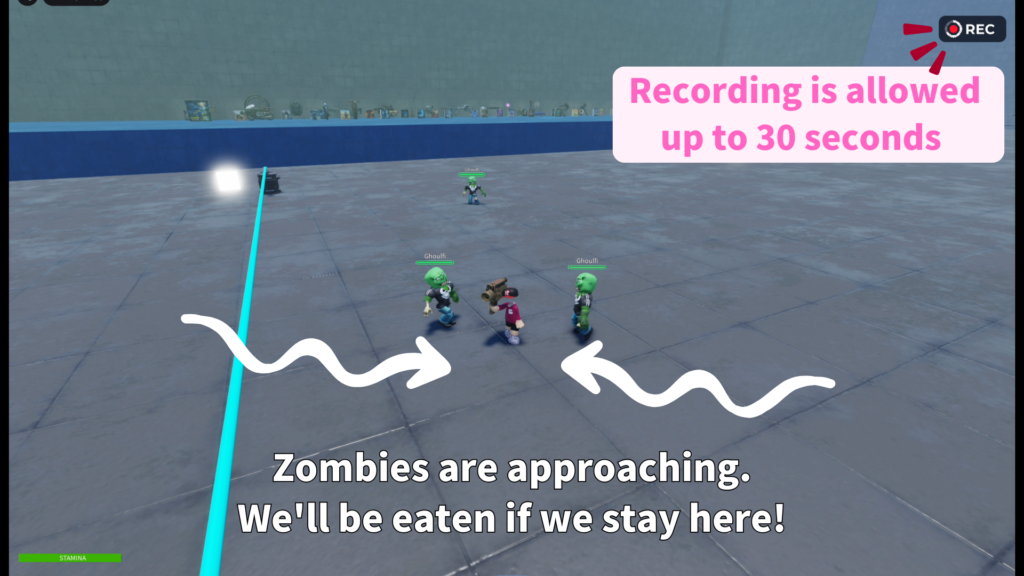
The player uses the tool once to start recording. During that recording time,
the system stores recent information for valid targets. If the player uses the tool again
while the recording is active, the rewind effect begins.
The result is a strong time-control feeling: enemies, players, or valid characters
can be pulled back toward where they were a few seconds ago, creating a dramatic
“rewind the situation” moment.
Radius mode with a practical range is recommended for most games.
A Radius value around 100 is a good starting point for a balanced time rewind ability.
Configurable Settings
Important values are grouped inside Tool > Config, so creators can adjust the ability
without rebuilding the whole system.
- UseMode
Choose Cooldown or SingleUse behavior. - EffectMode
Choose Radius or All target behavior. - Radius
Controls the area affected by the rewind. - Record length
Controls how long the recording session lasts. - Rewind seconds
Controls how far back the rewind can reach. - Cooldown
Controls how often the tool can be used. - Replay speed
Controls the rewind playback feel. - Final correction count
Helps polish the final rewind position.
UI, Sound, and Effects
Time Rewind Tool is designed to feel like an ability, not just an invisible script.
During recording, players can see a REC display and ring-style UI.
The ring helps show remaining recording time and the recent rewind window.
The tool also supports sounds such as recording start, rewind start, extra effects,
and a local loop sound while recording. When the rewind happens, shockwave and highlight
effects help players understand that time has been affected.
Behavior Notes
The completed version is designed so the HUD, REC display, and local recording loop sound
can continue working even in non-PC environments. Mouse-dependent behavior is mainly limited
to cursor changes.
- Unequipping the tool during recording cancels the recording session.
- In Cooldown mode, starting the recording can still consume the use timing.
- Dead targets are not rewound as valid targets.
- Radius mode is usually easier to manage than affecting every possible target.
Best Use Cases
Time Rewind Tool is a good fit for Roblox games that need a dramatic special ability,
time manipulation mechanic, or battle-changing skill.
- PvE action games
- Special ability battles
- Boss fights
- Sci-fi maps
- Research facility maps
- Superpower themed games
- Adventure stages
- Time manipulation gimmicks
Recommended Use
This tool is best used as a designed ability inside your game.
For example, you can let players rewind nearby enemies, reverse a dangerous moment,
or create a strong “time interference” scene during combat.
Since the tool moves characters back to earlier recorded states, creators should test it
with their own combat systems, knockback systems, or custom movement systems before using it
in a final experience.
Add a time rewind ability to your Roblox game.
Time Rewind Tool is available on the Roblox Creator Store.
Use it to create a dramatic ability where the player records a short moment,
then rewinds valid targets back to an earlier state with UI, sound, and visual effects.