Roblox Creator Tools / Fishing System
FishingSystem for
Roblox creators.
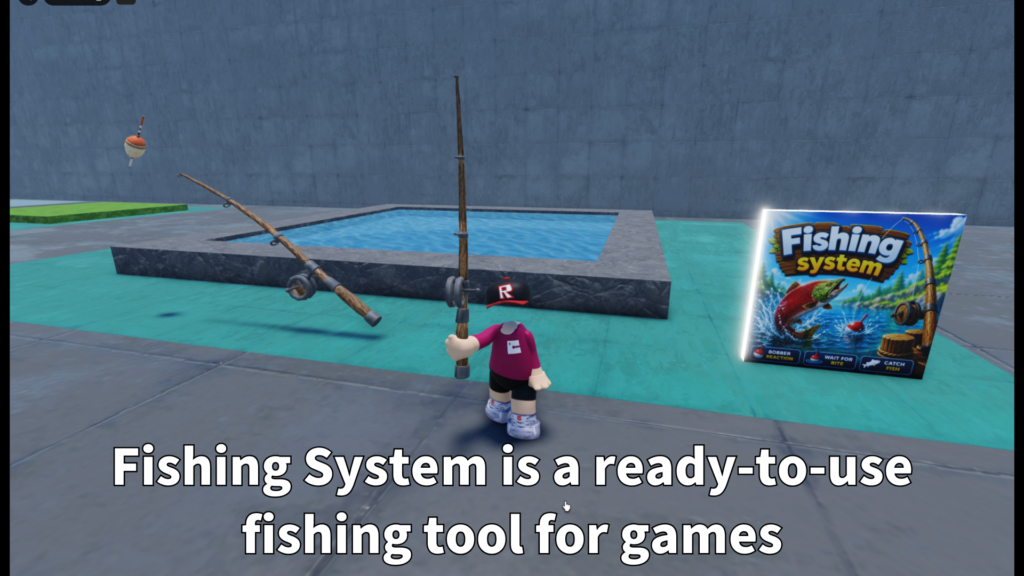
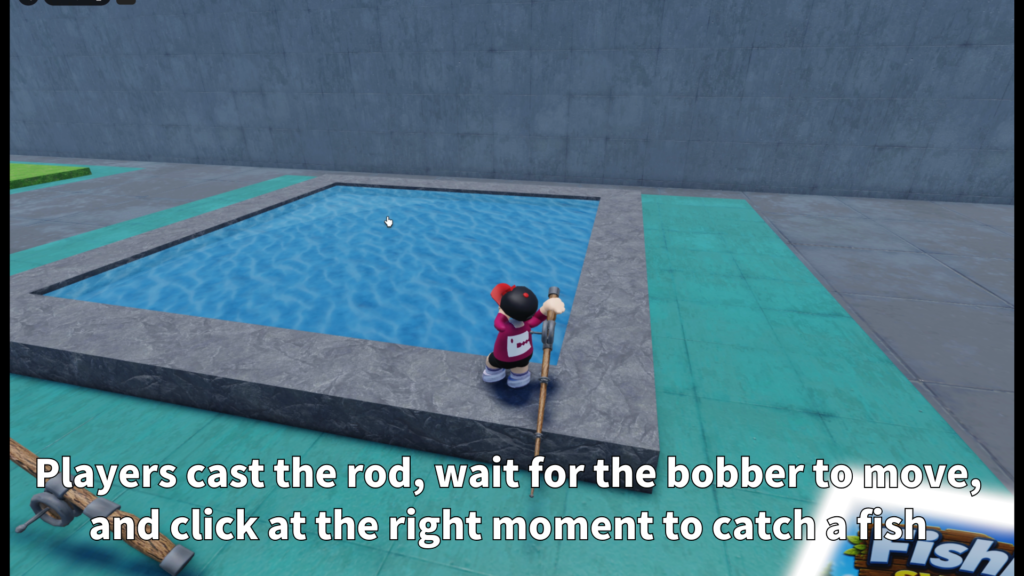
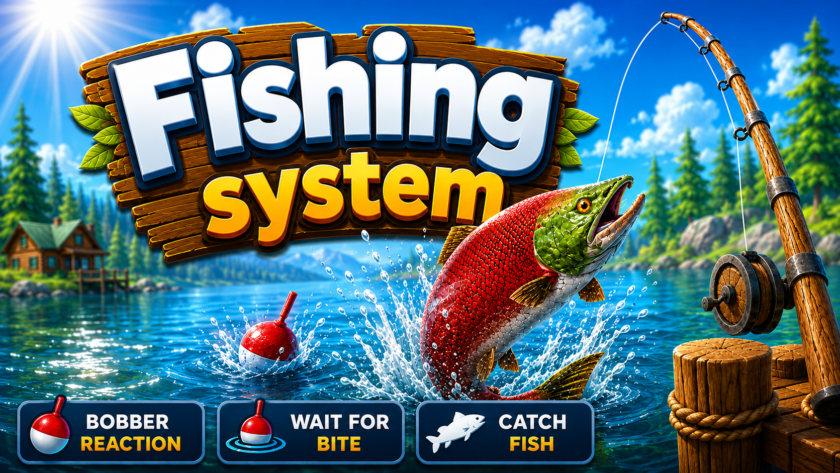
Add a fishing feature to your Roblox experience. FishingSystem lets players cast a fishing rod,
wait for a bite, reel in a fish, and see the caught fish appear in the world.
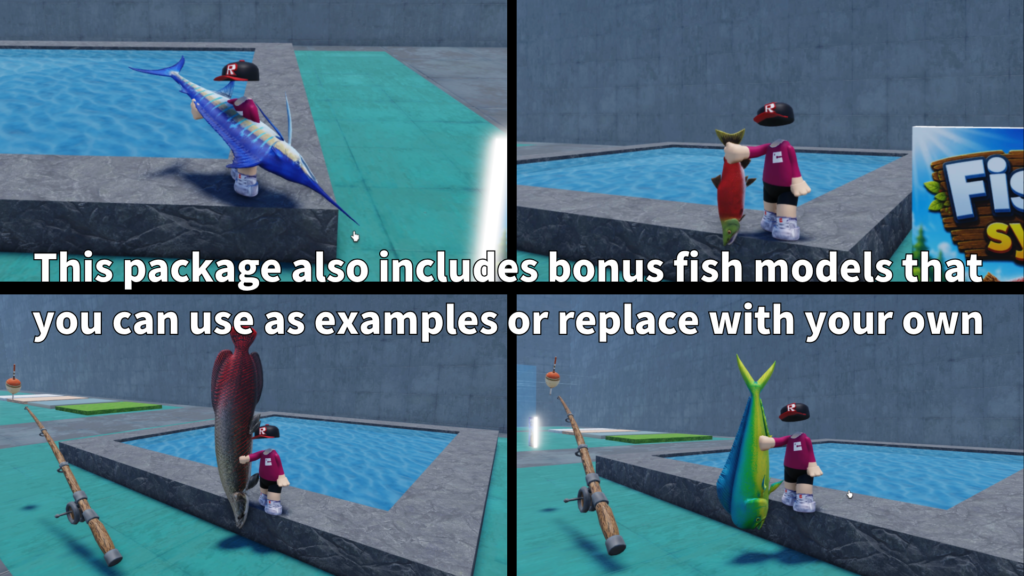
This package also includes fish models, sound support, animation support, and customizable
fish settings for different fishing experiences.
View on Creator Store →
Read Details
What is FishingSystem?
FishingSystem is a Roblox fishing asset that lets creators add a complete fishing flow
to their games. Players can use a fishing rod, cast toward a valid fishing area,
wait for a bite, and reel in a fish when the timing is right.
It is designed for creators who want to add relaxing side content, collection gameplay,
water-area interaction, or a simple fishing mini-game without building everything from zero.
Main Features
Players can cast the rod, wait for a bite, and reel in a fish through a clear fishing flow.
The package includes fish models that can be used as caught fish visuals or examples.
Fish can use settings such as name, weight, rarity, bite timing, shake behavior, and chance weight.
- Fishing rod Tool system
- Cast animation support
- Wait animation support
- Reel animation support
- Splash sound support
- Idle water sound support
- Caught fish sound support
- Fish model folder support
- Custom fish rarity and weight
- Caught fish drop and flop behavior
Fishing Flow
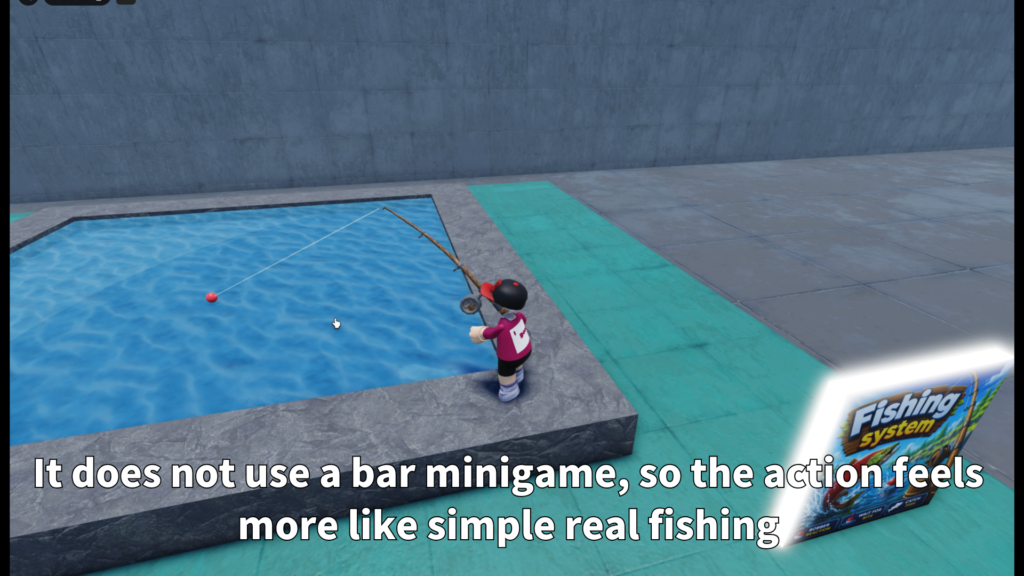
The player equips the fishing rod, casts toward a valid fishing area, and waits.
When a bite happens, the system can shake the bobber and move into the reel moment.
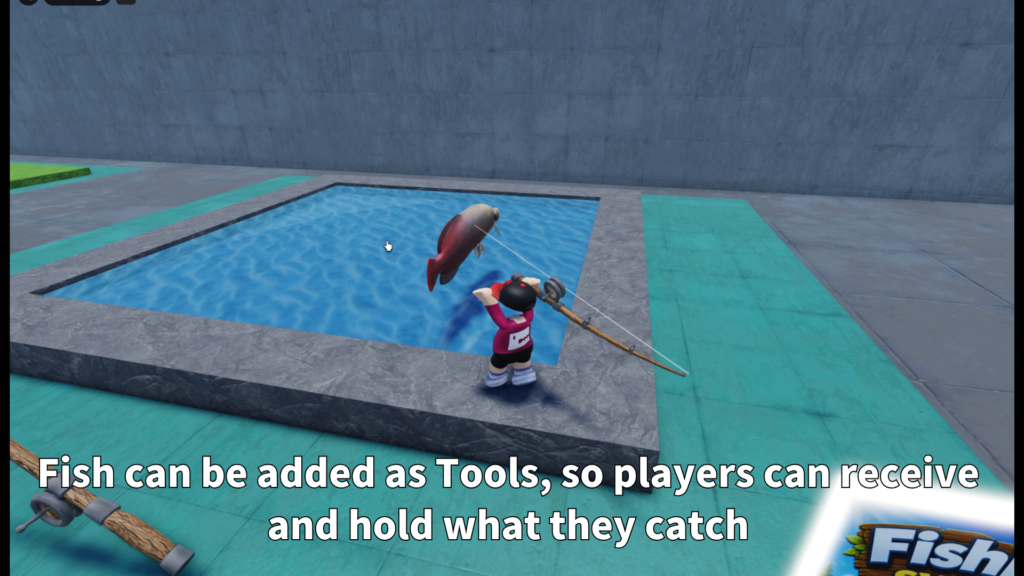
If the catch succeeds, the fish appears and drops into the world.
This simple flow makes the system easy for players to understand while still giving creators
room to customize timing, fish variety, sounds, animations, and catch presentation.
Fishing Areas
FishingSystem can be used with prepared fishing parts and can also support Roblox Terrain water.
This gives creators flexibility when building ponds, rivers, oceans, docks, or custom fishing spots.
- FishingPart support
Use prepared parts as valid fishing areas. - Terrain water support
Use Roblox Terrain water as a fishing area when enabled. - Cast distance settings
Control how far players can cast. - Raycast-based placement
Helps place the bobber on a valid fishing surface.
Fish Models and FishConfig
The system is designed so creators can prepare different fish models and give each fish
its own settings. This makes it easier to create common fish, rare fish, heavier fish,
or special catches.
- FishName
Name used for the fish type. - FishWeight
Weight value for the fish. - FishRarity
Rarity value for the fish. - ChanceWeight
Controls how often the fish may be selected. - Bite timing
Set minimum and maximum bite delay. - Bite shake
Adjust shake count, strength, and interval. - Reel speed
Adjust how the reel moment feels. - Reel visual time
Control how long the reel visual lasts.
By changing each fish model and FishConfig values, creators can build a simple collection
system or a fishing area with different catch types.
Animation and Sound Support
Fishing feels better when the action has clear feedback.
FishingSystem supports animations and sounds for the main parts of the fishing flow.
- CastAnimation
Used when the player casts the rod. - WaitAnimation
Used while waiting for a bite. - ReelAnimation
Used when reeling in the catch. - SplashSound
Used when the bobber enters the water. - IdleWaterSound
Used while waiting near the fishing point. - CaughtSound
Used when the player catches a fish.
Caught Fish Presentation
When a fish is caught, the fish model can appear in the world, drop forward,
and move with a small flop-style behavior before disappearing.
This helps the catch feel more physical and visible, instead of only showing a text result.
It is useful for players because they can clearly see what they caught.
Customizable Settings
Creators can adjust the fishing system to match their own game.
The main settings include fishing area behavior, cast distance, bobber placement,
bite timing, reel timing, fish selection, and caught fish presentation.
- FishingPartName
Name of the part used as a valid fishing area. - AllowFishingPart
Enable or disable prepared fishing parts. - AllowTerrainWater
Enable or disable Terrain water fishing. - MaxCastDistance
Control the maximum casting distance. - DefaultForwardCastDistance
Used when no clear target is found. - Bite delay values
Control how quickly fish can bite. - Fish selection values
Control rarity and selection chance. - Caught fish cleanup
Control how long caught fish visuals remain.
Best Use Cases
FishingSystem is a good fit for Roblox games that need relaxing gameplay,
collection features, or water-area interaction.
- Fishing mini-games
- RPG side activities
- Island games
- Camping maps
- Ocean or lake worlds
- Collection games
- Relaxing lobby activities
- Adventure maps with water areas
Why Creators May Like It
FishingSystem gives creators a ready-made fishing base with a clear player flow.
Players can cast, wait, reel, and see the caught fish appear, while creators can adjust
fish data, sounds, animations, and fishing area behavior.
The included fish models make it easier to start testing right away,
and the FishConfig structure gives creators room to add more fish later.
Add fishing gameplay to your Roblox world.
FishingSystem is available on the Roblox Creator Store.
Use it to add casting, bite timing, reeling, fish models, caught fish visuals,
sound support, animation support, and customizable fish settings to your Roblox experience.